Search "clickup vs linear" and every result on page one tells the same story. Linear is the fast, opinionated issue tracker engineers love. ClickUp is the all-in-one work OS for mixed teams. Then comes a feature grid covering speed, docs, time tracking and setup cost. That framing is accurate. It also treats both tools as places to track tasks, which is only half of what a product team does.
ClickUp or Linear: which should a product team pick?
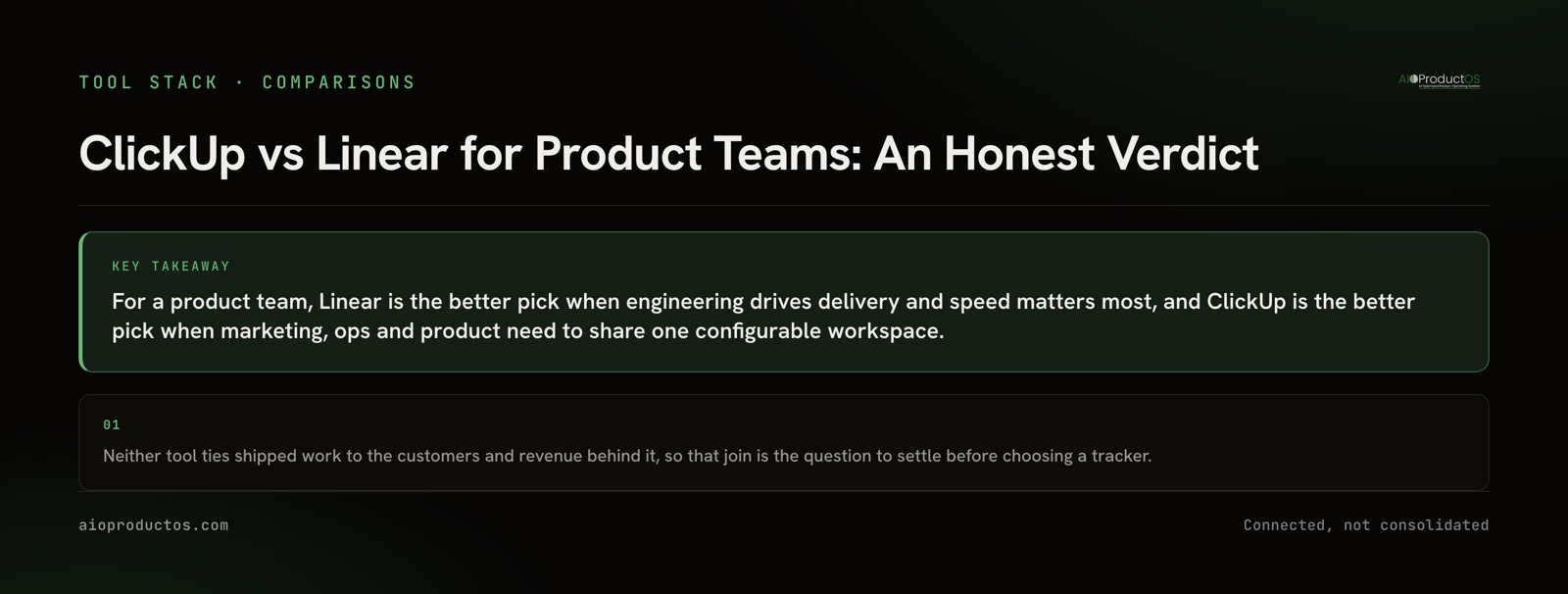
Pick Linear if engineering owns delivery and you want a fast, opinionated tracker that needs almost no setup. Pick ClickUp if product, marketing and ops need one configurable workspace and you have someone to own the setup. Both manage the work. Neither ties that work to the customers and revenue behind it.
That last sentence matters most for a PM, and most comparisons skip it. We'll get to it after the side-by-side.
ClickUp vs Linear side by side
| Product-team concern | ClickUp | Linear |
|---|---|---|
| Built for | All departments, in theory; cost-conscious teams consolidating tools | Engineering, product and design teams that value speed over configuration |
| What's in the box | Tasks, docs, whiteboards, chat, goals, time tracking, AI | Issues, cycles, triage, projects, roadmaps; keyboard-first |
| Setup and customization | Deep customization, many views and settings; heavy to configure | Minimal setup; limited customization and statuses |
| Non-engineering roles | Room for everyone, if the setup holds up | Reviewers call it "engineering-oriented" and limiting for non-technical users |
| Price per user (annual) | Free; Unlimited $7; Business $12 per month | Free (250 issues); Basic $10; Business $16 per month |
| AI pricing | Add-on: Brain +$9 per user (~1,500 credits) or Everything AI +$28 per user (~5,000 credits) | Included; advanced AI reported to be gated to Business |
| Customer evidence on the work | Whatever lists and custom fields you build and keep current | Issues track the what, not the why |
Read the table by row and a pattern shows up. ClickUp wins on breadth and flexibility, and pays for it in setup. Its defining complaint, in reviewers' words, is that it is "super bloated" and tries to do everything. Linear wins on focus and speed, and pays for it by boxing in the roles that aren't engineering. Those are real tradeoffs, and the right answer depends on who works in the tool every day.
The last row is where both come up short.
What the AI line on the bill actually looks like
For many teams AI pricing is the real difference now, and the two models work very differently.
ClickUp sells AI as a per-user add-on on top of the plan. Brain is $9 per user per month with roughly 1,500 credits. Everything AI is $28 per user per month with roughly 5,000 credits, and it adds agents and a notetaker. On Business that means $12 becomes $21 per user with Brain, so AI nearly doubles the bill. At 20 users on annual billing, that is $420 a month with Brain and $800 with Everything AI.
Linear includes AI in the plan. Linear Agent, launched in March 2026, creates issues from Slack, auto-triages and dedupes. The caveat is that advanced AI features are reported to be gated to Business at $16 per user, so don't assume every tier gets everything. At 20 users on Business, that is $320 a month. Linear's AI also works within Linear's own context. It sees issues, not the customer conversations or billing data that explain why an issue exists.
Neither model is unfair. They're just different, so price the AI tier you'd actually use, not the base plan.
The question page one skips: where does the "why" live?
Both tools answer "what is the team working on, and where is it?" well. Neither is built to answer the question that a product team gets asked every week: which customers asked for this, what do they pay, and did it ship for them?
In Linear, an issue knows its cycle, assignee, status and project. It doesn't know which accounts asked for it or what they're worth. That context lives in a support tool, a CRM, a feedback board or a spreadsheet. In ClickUp, you can build a customer-requests list with custom fields and link tasks to it. Plenty of teams do. But the links are kept up by hand, and nothing in that list updates when a customer upgrades, churns or files a second request. The system is only as current as whoever maintains it.
That's why "which tracker" is the second question for a product team. The first is where the evidence lives, and whether anything connects it to the work. If the answer is "in three other tools, joined by a person," the tracker you pick won't fix it. It just decides which screen you switch away from. Those switches add up: context-switching costs ~$450B/yr, and the average employee loses 40% of productive time to it (Gallup/TheTab). We made the same point about a different pair in Notion vs Jira for product teams. The gap is the same whichever two trackers you compare.
A check you can run with your AI assistant
More PMs now ask an AI assistant for this kind of answer instead of clicking through tools. So test your current stack directly. Connect your assistant to your tracker, through whatever MCP server or export your setup supports, and ask:
"List the last 10 issues we shipped. For each one, name the customer requests it closed and what those customers pay."
An unjoined stack returns the first half. You'll get titles, statuses, maybe dates and labels. For the second half, the assistant either says it has no customer or revenue data, or it guesses by matching issue titles against whatever else it can reach. A guess that reads like an answer is worse than a blank, because it sounds sure of itself. If your run comes back with issue titles and nothing on customers or revenue, that tells you more about your stack than any feature grid will.
When Linear alone is the right call
If your product team is engineering-led, ships in cycles, and your PM is comfortable working in issues, Linear is an excellent choice and probably the one your engineers already want. Its speed and opinionated defaults are real advantages, not marketing. Setup takes minutes, the noise stays low, and it respects the work engineers actually do. If your customer evidence is small enough to hold in your head, or it lives in a support tool your team already reads every day, adding anything else may just add a place to look. Our Linear comparison page is candid about where Linear wins.
When ClickUp is the right call
If you need one workspace for product, marketing, ops and engineering, and you have someone who enjoys building systems, ClickUp can carry all of it at a low base price. Multiple views on the same task, docs next to the work, and one bill instead of five are real benefits for a cost-conscious team. It works best when the team agrees on a small setup and sticks to it rather than turning on everything. The honest head-to-head, including where ClickUp is stronger, is on our ClickUp comparison page.
Joining the evidence to the work
There's a different approach that starts from the missing join rather than from the tracker. In AIOProductOS, roadmap, backlog, customer feedback, prioritization and delivery live in one tool. Every backlog item carries the customer request and the revenue behind it. Feedback from reviews, requests, surveys and support lands in one feed linked to features and accounts (that's what Insights does). A Stripe connector puts each customer's plan and MRR on the same record, so features rank by revenue at stake rather than vote count.
For the assistant check above, the product management MCP exposes that joined record to your assistant, so "which paying customers asked for this, and what do they pay?" is one query instead of a stitch across silos. There's a migration path from both ClickUp and Linear, free on every plan, and both are also available as connectors if you'd rather keep them. Pricing is flat by tier (Start $199 a month for 5 members, Team $399 for 20, Business $899 for 75), with AI agents included and no per-seat or AI credit metering.
The honest tradeoff: this is not a like-for-like swap for either tool. Linear still wins on raw issue-tracking speed, and ClickUp on sheer breadth of general work management. Moving tools has costs of its own, which we break down in the real switching costs of PM tools. This fits a product team whose real problem is that the evidence and the work live apart. It also fits a broader trend: 68% of tech leaders are consolidating vendors in 2026, and best-of-breed stacks need 280% more maintenance.
The verdict
Pick Linear if engineering drives delivery and you value speed and focus over configuration. Pick ClickUp if several departments need one flexible workspace and someone will own the setup. Price the AI you'll actually use, because that line changes the math more than the base plan does. Then ask the question neither tool answers: when an issue ships, can you say which customers it was for and what they pay? For the wider field, including tools built around that question, see our roundup of the best product management tools.
If you want to see the join on your own data, start a 7-day free trial, no credit card required.