What is an MCP connector?
An MCP connector is a pre-packaged Model Context Protocol server for one specific tool, plus the client-side interface an agent uses to reach it. Install one, and an AI agent can read that tool's data and, sometimes, act on it. That is the generic meaning. Two other meanings share the same search query.
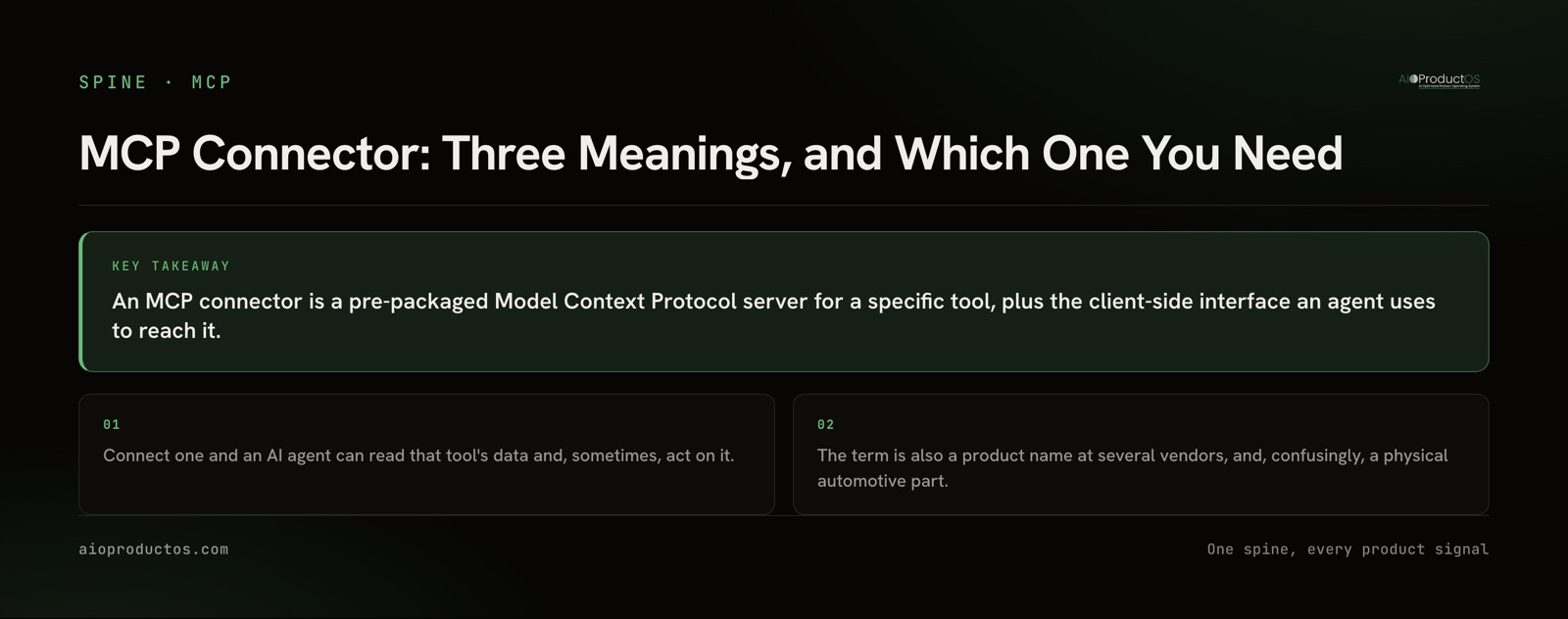
Look the term up and page one hands you a glossary entry, a guide written for business teams, a vendor's versioned product documentation, and a page about automotive wiring. Every result quietly picks one meaning and answers it. None of them says there are three. So before anything else:
| What "MCP connector" refers to | Who says it that way | Where to go next |
|---|---|---|
| The generic concept: a ready-made MCP server for a specific tool, plus the client-side interface an agent uses to reach it | Glossaries, explainer guides, most conversation | The rest of this post, then what an MCP server is |
| A named product: MuleSoft ships and versions an "MCP Connector", some model-API platforms ship a hosted MCP client under the same label, and several agent platforms title their integration page "MCP Connectors" | The vendor that ships it | That vendor's own docs. The name describes their feature, not the category |
| Physical electrical connectors: TE Connectivity's AMP MCP series, used in automotive wiring | Electronics distributors and hardware engineers | A component distributor. Nothing else on this page applies |
The third meaning is a real homonym and it really does rank. If you came here looking for a crimp terminal, leave now and save yourself the read.
The second is worth one caution. When a vendor names a feature "MCP Connector", people quote that name as though it were the general term, and you end up in a conversation where two people mean different things by the same words. Check whether the phrase is capitalised and versioned. If it is, someone is talking about a product.
Everything below is about the first meaning.
A connector and a server are mostly the same object
The most common follow-up question is what separates a connector from a server, and the honest answer is: packaging, not architecture.
Server is the protocol's word for the process your client connects to. Connector is the distribution word for a server somebody already built, published, and documented so you do not have to write one. When a directory lists two hundred connectors, it is listing servers with install instructions attached. We keep the server definition itself in what is MCP and the client side in the MCP client guide, so this post does not repeat them.
That is why the disambiguation matters more than the definition. Once you know a connector is just a packaged server, the interesting question is not what it is. It is what it can reach.
The question page one never asks
Here is the thing every result on page one leaves out.
A connector's value is bounded by what the tool underneath it holds. A connector to an issue tracker reaches tickets, projects, sprints, and comments. It does not reach the customer who asked for the feature, or the revenue behind that request, because the tracker never held those. The connector is not underpowered. The silo is.
This sounds obvious written down, and it is routinely missed in practice, because the way connectors are counted encourages the wrong question. Directories advertise totals. Vendors advertise totals. So the question becomes "how many connectors do you support", which is a procurement question, not an engineering one.
The engineering question is: what can one connector reach in a single call?
Ask an agent connected to a tracker which paying customers requested the feature currently in progress, and it cannot answer from that connector. It has to call the tracker for the ticket, a feedback tool for the requests, a billing system for the revenue, and then match records across three schemas that disagree about what a customer is. Every one of those hops is a place to be wrong, and the agent is doing the reconciliation with no authority to decide which system is right.
A connector to a system that already holds those records joined answers the same question in one call, because the join happened before anyone asked. That is the whole difference, and it is worth being precise about the claim: this is not about having more connectors. It is about whether the thing behind the connector is one silo or a joined record. We argue the full version of that case in spine MCP versus tool MCP; the one-line conclusion is that a single-tool MCP sees one silo, and a Jira MCP sees tickets, not the customer or the revenue behind them.
Read-only, or can it actually write?
The second thing page one skips, and the one that decides whether an agent can do work or only report on it.
Plenty of connectors are read-only. Nothing in the protocol requires writes, and a read-only connector is a perfectly reasonable thing to ship, especially early. But an agent with read-only reach can summarise, compare, and explain. It cannot update a status, file a request, or close a loop. Whether that matters depends entirely on what you asked the agent to do, and you will find out at the worst possible moment if you did not check.
There is no badge for this. You check it yourself, and it takes about a minute:
- Read the verbs in the tool list. Call
tools/listand look at the names. A surface ofget,list,searchandreadis read-only.create,update,assignandcommentare writes. The tool list is the contract; the marketing page is not. How a model actually picks from that list is a separate subject we cover in the MCP tools guide. - Check the credential. A write-capable connector authenticated with a read-scoped token is read-only in practice, and the failure arrives at call time rather than at setup.
- Ask where the write lands. A write that appears instantly with no record of who or what made it is a different risk profile from one that lands in a review queue. Neither is wrong. You should know which you have before an agent is running unattended.
Our own answer, so you can hold us to it: the AIOProductOS MCP exposes 71 tools that read and act across the joined record, with writes landing in human review. The MCP product page lists the surface, including the 3 interactive ui:// MCP Apps and the hosted endpoint over Streamable HTTP with OAuth 2.1 and PKCE.
When a single-tool connector is exactly the right call
The honest counter-case, because "reaches more" is not automatically better.
When the question genuinely lives in one tool. "What is assigned to me this sprint" is a tracker question. The tracker holds the complete answer. Routing it through anything broader adds a layer that can only degrade a query that was already correct, and the dedicated connector will be faster and better documented for that exact job.
When the specialist tool is the system of record and you need its depth. A mature analytics tool exposes analyses that a joined record does not attempt to replicate. If your question is the deepest thing that tool can do, its own connector is the right connector. We say the same on our own product pages: the edge is the join, not out-specialising each point tool on its home turf.
When one team owns one tool and nobody needs the cross-silo view. A support team asking support questions of a support tool does not benefit from reach it will never use. It benefits from a small, obvious tool list, which makes selection easier for the model too.
When the joined system does not hold the thing you need. Reach is only useful over data that is actually there. A connector to a joined record still cannot tell you about a system that never fed it.
The argument here is not that broad beats narrow. It is that "how many connectors" is the wrong axis entirely, and once you switch to "what can one call reach, and can it write", the right choice for your case usually becomes obvious in a sentence. The same axis sorts the integration methods themselves, not just individual packages: we rank the four options for connectors for AI agents by what each one can actually reach and write back to.
Check the reach yourself, without an account
Do not take the argument on trust. Test it against a live server:
npx -y @aioproductoscom/mcp@latestStarted with no PRODUCTOS_TOKEN, our stdio server runs in demo mode against the seeded Brightline showcase workspace with a read-only subset of the tools. No account, no credentials, no signup, nothing to cancel.
Point a client at it, call tools/list, then ask the one question a single-tool connector cannot answer: which paying customers asked for the feature currently in progress, and what do they pay? The tool that answers it is get_customer_360, and it returns one record carrying the account's revenue, the feedback that account left, and its contacts, in a single call rather than a three-system reconciliation. That is the reach claim, stated as something you can falsify in a minute.
What to take from this
Three things. When someone says "MCP connector", establish which of the three meanings they mean before you argue. Stop counting connectors and start asking what one call reaches. And read the verbs in the tool list before you assume an agent can act rather than only report.
If you are deciding what to connect an agent to, the two pages worth your time are what each tool's own MCP does and where it stops, and the 100+ connectors that land on one shared record.