What are MCP tools, and why does the phrase mean three things?
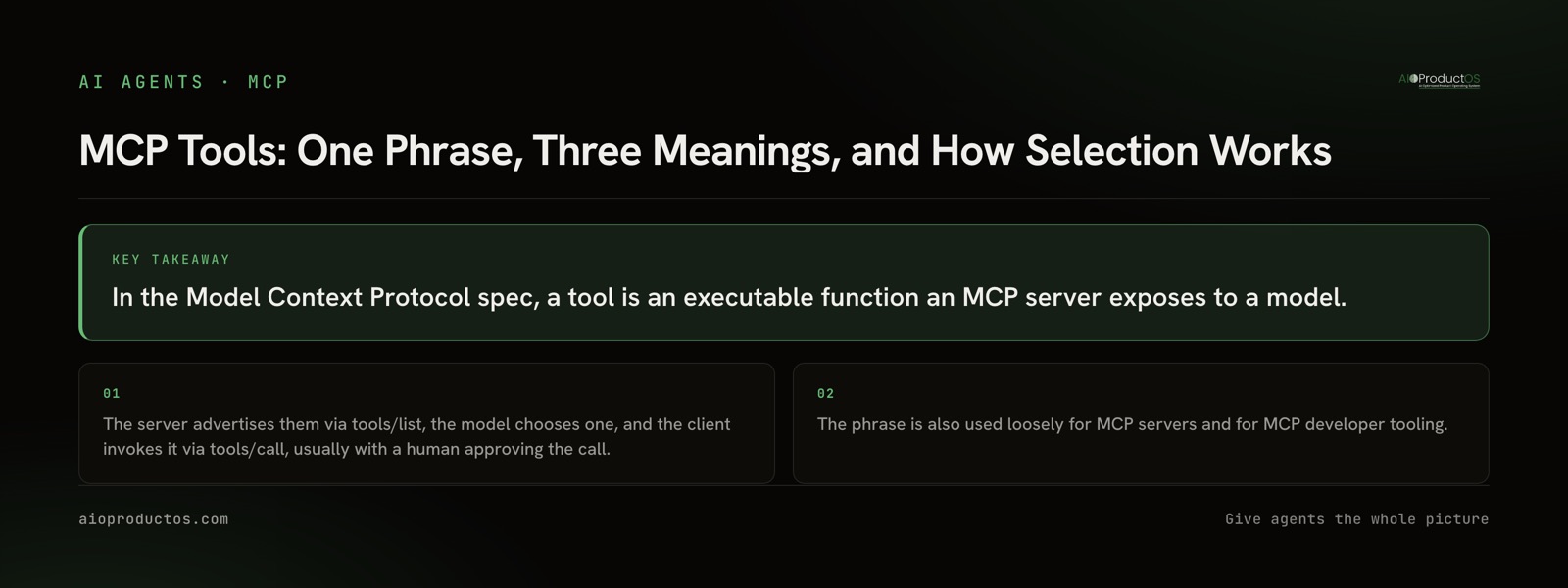
A tool, in the Model Context Protocol spec, is an executable function that a server exposes to a model. The server lists its tools via tools/list, the model picks one, and the client invokes it via tools/call, normally with a human approving the call. That is the precise definition. The trouble is that two other meanings ride on the same words.
Search the phrase and page one hands you the spec page, a security writeup, a list of "7 MCP tools to try" that is actually a list of servers, and a command-line utility for poking at MCP servers. Each result silently picks one meaning and answers it. None of them tells you there are three. So before anything else, here is the disambiguation.
| What "MCP tools" refers to | Who says it that way | Where to go next |
|---|---|---|
The spec primitive: an executable function a server exposes, discovered with tools/list, invoked with tools/call | The protocol spec, SDK docs, anyone writing a server | The rest of this post |
| MCP servers you can install and connect | Roundups, listicles, most casual conversation | MCP server examples and best MCP servers for product teams |
| Tooling for MCP: inspectors, CLIs, scaffolding used to build and debug servers | Server authors and maintainers | How to build an MCP server |
The second and third meanings depend on the first. A server is a container for tools. A CLI is a way to look at tools. So the primitive is the one worth understanding properly, and it is the one page one leaves thinnest.
If you need the layer above this, we cover what an MCP server is and what an MCP client is separately. This post stays on the tool itself.
What a tool definition actually contains
Three fields carry the weight.
The name is the identifier the model calls. The description is natural-language text explaining what the tool does and when to use it. The input schema is JSON Schema describing the arguments, which is what lets a client validate a call before it goes anywhere and lets a model construct arguments without guessing at field names.
There are two more things worth knowing. Tools are one of three MCP primitives, and the distinction is about who is in control. Tools are model-controlled: the model decides to invoke one. Resources are application-controlled: the client decides what context to attach. Prompts are user-controlled: a person picks one deliberately. Picking the wrong primitive is a common design mistake, and we come back to it below.
The second thing: a tool call is not automatically safe just because a schema validated it. The spec assumes a human in the approval path, and clients implement that approval differently. If you are weighing whether to connect a given server at all, that is a separate decision procedure and we wrote it up in are MCP servers safe.
The part page one misses: a tool's description is a prompt
Here is the operational truth that changes how you work.
Connect three servers to one client. The model does not see three servers. It sees one merged list of tools. Some clients prefix each entry with the server it came from, which helps, but within that list there is no structure the model reasons about beyond the text of each entry: a name, a description, and a schema.
That means selection runs almost entirely on that text. The model is not consulting your mental model of which server owns which job. It is reading a list of short natural-language descriptions and matching one against the request in front of it.
Which reframes what a tool definition is. Page one treats a tool like an API endpoint, a thing with a contract and a response shape. But an endpoint's name is documentation for a developer who already knows which service they are calling. A tool's name and description are the entire interface to the model, and the model arrives with far less context than that developer had. The name and description are not metadata around the real thing. For the purpose of getting called correctly, they are the real thing.
Once you see it that way, the common failure mode explains itself. Two servers each expose something called search. Or create_issue and create_task sit side by side with descriptions that do not distinguish them. The agent calls the wrong one, and the diagnosis looks like "the model is bad at tool use" when the actual cause is that two entries in one list were indistinguishable to a reader who had only the text.
This is also why the fix is rarely "connect fewer servers." Count is a real constraint but a secondary one, and we argued that case separately in too many MCP servers. The nearer fix is shape: distinct names, descriptions that state when not to use the tool as well as when to, and schemas specific enough that a wrong call fails at validation rather than succeeding against the wrong record.
Check this yourself in about a minute
You do not have to take the argument on faith, and you should not. Read a real tool list and judge whether you could pick correctly from it.
Run this:
npx -y @aioproductoscom/mcp@latestStarted with no PRODUCTOS_TOKEN, our stdio server runs in demo mode against a fully seeded showcase workspace with a read-only subset of the tools. No account, no signup, nothing to paste and nothing to cancel. Point any MCP client at it, or drive it directly, and call tools/list.
Then read the output as the model reads it. Ignore what you know about the product. Ask only: from these names and these descriptions alone, could I tell which one answers "which paying customers asked for this feature". That is the exact judgment the model is making, on exactly this text, with exactly this much context. It is the fastest way we know to make the thesis concrete rather than theoretical.
The full surface, including how the hosted endpoint and the interactive ui:// views fit together, is documented on the MCP product page. The short version of why it matters: a single-tool MCP sees one silo. A Jira MCP sees tickets, not the customer or the revenue behind them. Ours exposes 71 tools that read and act across the joined record, with writes landing in human review.
When a tool is the wrong primitive
The honest counter-case, because the answer is not always "add a tool".
When the model does not need to choose, use a resource. If a piece of context should be attached to every relevant conversation regardless of what the model decides, making it a tool means gambling on selection every single time. A style guide, a schema reference, a standing set of project constraints: these are application-controlled context, not decisions. Exposing them as tools adds an entry to the list that competes for attention with tools that genuinely need choosing, and it makes the context optional when you wanted it mandatory.
When a person should be choosing, use a prompt. Some workflows are user-initiated by nature. The person knows they want the weekly review, or the release checklist. Wrapping that in a tool and hoping the model infers the intent from conversation is a worse experience than a prompt the user picks directly.
When you control both ends, a plain API call is often better. If you are writing deterministic code that always calls the same endpoint with the same shape, routing it through a model's tool selection adds latency, cost, and a nonzero chance of the wrong call. MCP earns its place when the choice is the hard part, when a model has to decide what to do next among genuine options. It does not earn its place as a general-purpose RPC layer for code paths that were never ambiguous. That choice between a direct API call, a managed integration layer, and a protocol like MCP is worth making on the evidence: we rank the options for AI agent connectors by reach and write-back rather than by how the connection is made.
And when a tool is too broad, splitting it can make things worse. Ten narrow tools with overlapping descriptions are harder to select from than three well-named ones. Granularity has a cost that lands in the same list as everything else.
What to do with this
Three things.
Name and describe tools for a reader with no context, because that is the reader you have. State the boundary in the description, not just the capability. And check the merged list, not the individual server, because the merged list is what selection actually runs against.
If you are connecting an agent to product work rather than authoring servers, the same logic applies from the other side: what your agent can do well is bounded by how clearly the tools in front of it are described, and by whether those tools see one silo or the whole record. See what the AIOProductOS MCP exposes, or run the demo command above and read the list for yourself before you decide.