Most guides on this topic tell you to tag requests and count them. That answers "how many people want this?" It does not answer the question you are asked in a planning meeting: who, exactly? The test of any system is the reverse lookup. Start at one feature and get to the named accounts, what they pay, and what they said.
How do I know which customers requested a feature?
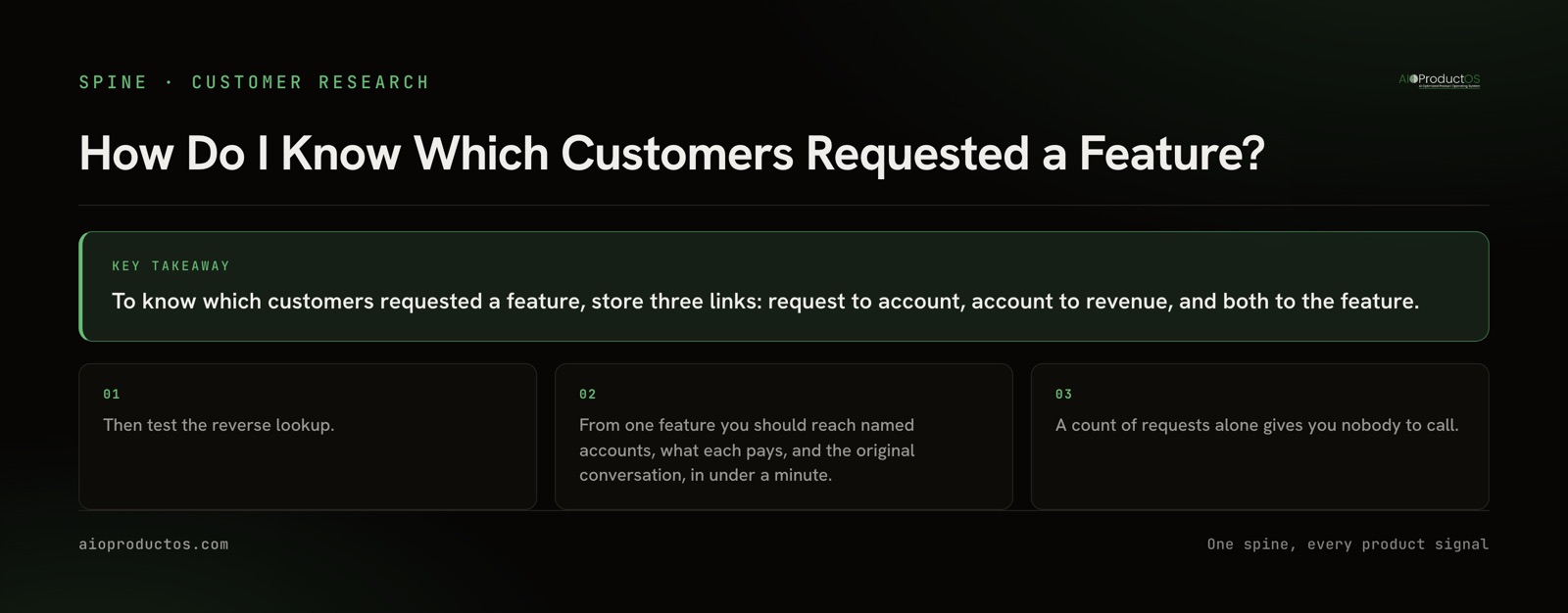
You know which customers requested a feature when every request is stored against a named account, every account carries what it pays, and every request is attached to one shared feature record. Then "who asked?" is a lookup from the feature, not a hunt through inboxes. If you cannot do that in under a minute, you are counting, not tracking.
Why "requested by 47 customers" is not an answer
"47 customers asked for this" feels like evidence. It is a number with no people in it. You cannot email it, you cannot check whether the 47 are one big account and 46 trial users, and you cannot tell whether the loudest request came from a customer who has already churned.
The honest question behind it is one of three, and each needs something different:
- Who should I tell when it ships? You need names and contacts.
- Is this worth building first? You need what the asking accounts pay, not just how many there are.
- What did they actually mean? You need the original conversation, because a request is often a symptom and the exact wording tells you which problem to solve.
A count cannot serve any of these. A named list can serve all three, which is why the structure below matters more than the tool.
The three-link model: request, account, revenue
Everything useful here reduces to three links. If one is missing, a specific question stops being answerable.
Link 1: request to account. Every request points at the company that made it, not only the person. People change jobs and use personal addresses; the account is the stable thing. Matching by email domain is the common way to do it. If this link is missing, you can say how many requests exist but not who made them.
Link 2: account to revenue. Each account carries its plan and what it pays. If this link is missing, ten requests from ten free accounts look the same as ten requests from your largest customers, and your ranking is a popularity contest.
Link 3: request to feature. Many requests, worded differently, attach to one feature record. If this link is missing, you get the "ten tickets that mean the same thing" problem, and the count you do have is wrong. For more on merging near-duplicates, see using AI to triage customer feedback.
When all three hold, the reverse lookup is simple: feature, then requests, then accounts, then revenue, with the source conversation on the way. When any one fails, you reconstruct the answer by hand, and by hand it is always slower and less complete than people expect.
The ship-notification test
The cleanest way to check your setup is to run it forward in time. Imagine the feature ships on Friday.
- Can you produce, on Thursday, the list of accounts that asked for it?
- Does each entry have a person you can write to?
- Can you say, for each, what they asked in their own words, so the message is specific rather than "we shipped something"?
If any answer is "I would have to ask around", the system is not tracking requests; it is storing them. The notification is not the point. It is the test that proves the links exist. Closing the loop well is its own skill, covered in turning customer feedback into product changes.
Three ways to store the link
You do not need a specific product to hold these links. You need a place where the three links survive. Here is how the common options compare.
| Spreadsheet | Issue tracker | Customer-evidence tool | |
|---|---|---|---|
| Keeps the account | Yes, if you type it every time | Rarely; the reporter is a person, not a company | Yes, as a record the request attaches to |
| Keeps revenue | Only if you copy it in and update it | No, unless you add a field by hand | Yes, if billing is connected to the account |
| Who to tell on ship | A filter on the feature column | A label or query you must remember to maintain | The accounts and contacts on the feature |
| Source conversation | A pasted link, often broken later | A comment or attachment | Linked to the request |
| Where it breaks | Stale revenue, typos in names, one person owns it | Account and money are missing by design | You still have to do the sending |
The right column is not "better" in every case. It is better at the specific job of answering the reverse lookup with money attached, and it costs more to set up. The next section is about when that cost is not worth paying.
When a spreadsheet is the right call
If you have fewer than roughly 20 customers, a spreadsheet is usually the right answer. At that size you know the accounts personally, requests are few, and the overhead of any dedicated tool exceeds the benefit. A sheet with one row per request and columns for account, plan, feature, date and a link to the conversation answers every question in this post.
It also makes sense when customers are roughly the same size, so request count really is a fair proxy for value, or when a single person handles every conversation and remembers them. The system you will actually keep current beats the better system you will abandon.
The sheet starts to fail in specific, predictable ways: the revenue column goes stale the day someone upgrades, two people spell an account differently, and the person who maintained it leaves. When you notice you are re-checking the sheet against billing before every planning meeting, that is the signal to move the links somewhere that maintains them for you. If your requests live in Jira, the sibling guide on connecting Jira tickets to customer requests covers that specific case. And once you have the accounts and revenue, deciding what not to build is its own discipline: how to say no to feature requests.
Check it with an AI assistant
There is a second way to test your setup, and it is more demanding than checking it yourself. Connect an AI assistant to your records over MCP and ask it directly:
"Which accounts asked for [feature], what plan is each on, and link the source conversation."
A correct answer has four parts:
- Named accounts, not "several enterprise customers".
- A plan or MRR figure next to each one, so the answer can be ranked.
- A source link for each, pointing at the original conversation or request.
- A count that matches the list. If it says 12 accounts and names 9, it is not reading a record; it is estimating.
Treat an assistant that cannot cite the source as guessing. A fluent paragraph about "customers who have mentioned this" with no links, no names and no figures is a summary of nothing you can verify. The same standard applies to a human on your team. If the answer cannot be checked against the record, do not repeat it in a roadmap review.
This is also a useful audit of your own data. If the assistant cannot produce named accounts with revenue, it is usually because link 1 or link 2 is missing in the underlying records, and no prompt will fix that.
Tools that support this
A few tools keep the three links on one record. We build one of them, so weigh this section accordingly.
AIOProductOS keeps a customer record per account, with revenue, feedback, meetings and contacts on one page, and matches users to their account by email domain. Insights is one feedback feed across reviews, requests, surveys, designs and support, linked to features and accounts. The Stripe connector reads billing only; it puts each customer's plan, subscription status and MRR on the matching account, so a feature request inherits the plan and MRR of the accounts that asked, and features can rank by request count and revenue at stake. The record is also callable over MCP; the MCP page explains the connection, and a local stdio server can run in a demo mode against a seeded sample workspace if you want to try the question above without an account.
Plans are flat by tier with a 7-day free trial and no card required; details are on the pricing page. It is built for SaaS product teams of 5 to 75 people, and it is not a CRM or a sales tool. If you need the deepest standalone feedback or analytics surface, a dedicated specialist may still be the better pick on its own axis.
What to do this week
Pick one feature your team is deciding on now. Try to answer, in under a minute: which accounts asked, what each pays, and what they actually said. Write down where you got stuck. That is the missing link.
If the gap is the account-and-revenue join, see how Insights keeps requests, accounts and revenue on one record.