Search for how to automate a weekly status report with AI and you get the same recipe again and again. Connect a spreadsheet or a tracker to an automation tool, schedule it for Monday, and prompt a model to "summarize this week." It works on the first run, and it's a trap on every run after that.
Can AI write your weekly product report?
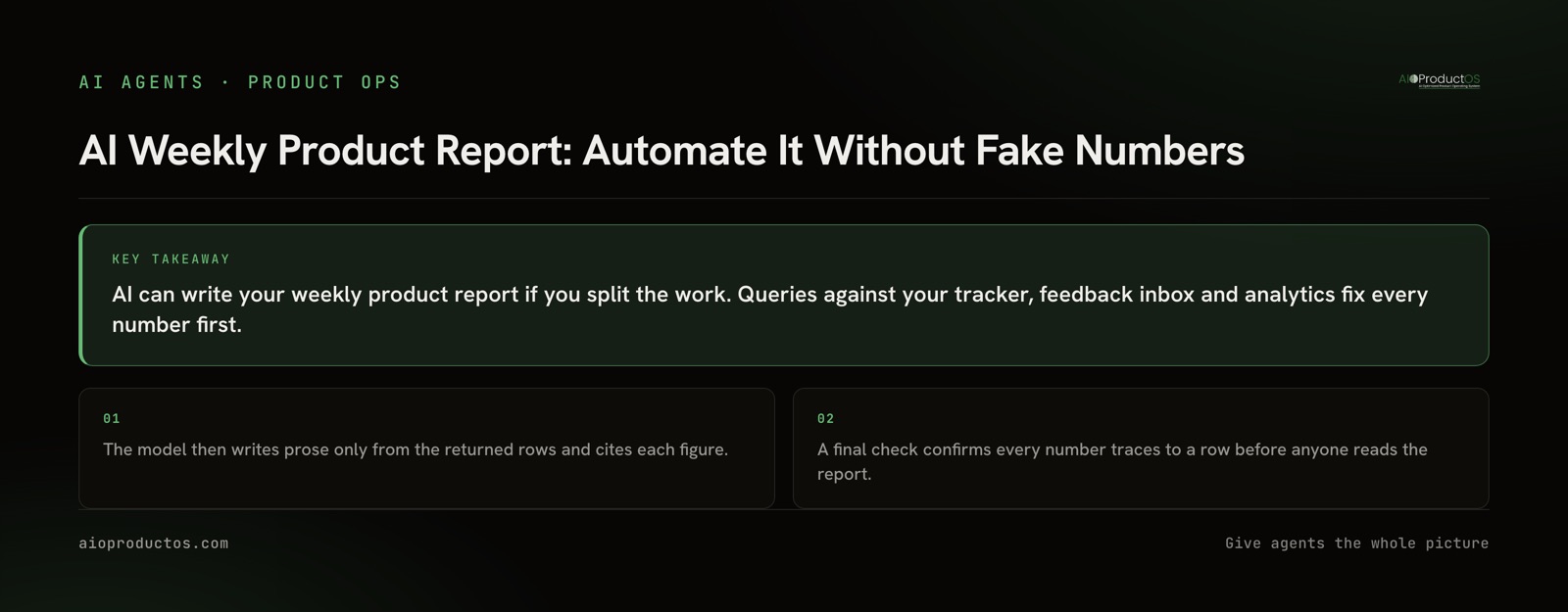
Yes, but only the prose. Queries against your tracker, feedback inbox and analytics should fix every number first. The model then writes sentences only from the rows those queries returned and cites each figure. Before the report goes out, a check confirms every number traces to a row. Skip that split and a wrong figure reads exactly like a right one.
Why most AI report automations go wrong
Most automation templates share three blind spots.
The model ends up writing the numbers. If you hand an assistant a raw export and ask for a summary, it does arithmetic, picks which figures matter, and sometimes fills gaps. It can read last week's tab, round a delta the wrong way, or state a conversion rate the data never contained. The output sounds equally confident either way, so a fluent report tells you nothing about whether it's accurate.
They summarize activity instead of outcomes. Tickets closed, PRs merged and Slack threads are easy to count because each one lives in a single tool. The questions a product lead actually has cross tools. Did the thing we shipped answer what customers asked for? Did the metric move afterward? Answering that means joining the tracker, the feedback inbox and analytics, and a summarization prompt can't do that join.
Nothing verifies the output. The report goes straight from the model to the channel, and the error surfaces in a planning meeting.
The three-layer recipe
Layer 1: Reads. Each section of the report gets its own query against a source system: the tracker's API, a SQL view, an analytics export. Each query returns rows with IDs and timestamps. The numbers are fixed at this point, before any model is involved. Save the result set with an as-of time so you can tell later which data a given report was written from.
Layer 2: Narration. The model gets the rows and nothing else. Its instructions are narrow. Write only from these rows. Cite the row ID after every figure. Say "no data" when a section is empty instead of filling it in. Never compute a number the rows don't contain. The model can still group, order and phrase things, which is the part it's good at.
Layer 3: Delivery and a check. Before the report is sent, something confirms that every number in the draft appears in the result set. That can be a short script that pulls figures out of the prose and matches them against the rows. It can be a second model pass told only to flag any figure without a matching row. Or it can be a person who spends two minutes spot-checking the cited IDs. Delivery happens only after the check passes.
What a weekly product report should include
Keep the report short enough to read in a few minutes. Five sections cover it:
| Section | Source system | Read type | What the model may do |
|---|---|---|---|
| What shipped | Tracker, release log | List of completed items with IDs and dates | Group by theme and write one line each; no new items |
| What customers said | Feedback inbox, support, surveys | New insights and request counts, by account | Name recurring themes; quote verbatim only |
| What moved | Product analytics | Deltas for the few metrics you committed to | Describe direction and size exactly as returned |
| What's drifting | Tracker plan vs actual | Items past target, work in progress too long | State the slip and the item; no speculation on why |
| Decisions needed | Owner-flagged items | Open questions with owner and due date | Rephrase for clarity; never add a question |
The metrics row is where teams over-report. Pick the handful that reflect product health and leave out everything that just moves around. There's a guide to choosing them in product metrics that matter.
Setting it up with the stack you already have
You don't need a new tool to start. You need five pieces:
- One query per section. Write them against the systems you already have, and make sure every row carries a stable ID someone can open.
- A schedule. A cron job, a CI workflow on a timer, or a no-code automation (Zapier, Make and n8n all do this) runs the queries early Monday and writes the results to one JSON file or table with an as-of timestamp.
- A narration call. Send the result set to your AI assistant over its API, or over MCP if your sources expose MCP servers. Use the narrow instructions from Layer 2, and add this one: "If two rows conflict, report both and flag the conflict."
- A check. Match every figure in the draft against the result set. On any mismatch, the report is held and doesn't go out.
- Delivery. Post to the channel or email list with each cited ID linked back to its record, so readers can open the source in one click.
The first four sections are straightforward. The hard part is the outcome view: this task shipped, it came from that customer request, and adoption did this afterward. In a multi-tool stack, that means a shared key across systems. The tracker needs to know the feedback item's ID, the feedback tool needs the account ID, and analytics needs to know which feature flag or event belongs to which task. Most teams stall here, with an outcome section someone updates by hand. If you're wiring those systems into an assistant for the first time, how to give an AI assistant access to your product data covers the connection side.
Each missing join also sends someone back to clicking between tools to answer questions by hand. Context-switching costs ~$450B/yr, and the average employee loses 40% of productive time to it (Gallup/TheTab).
Ask your assistant for the outcome view
Before you automate anything, test whether the join exists. Connect your assistant to your product data over MCP (for our record, that is the hosted endpoint at platform.aioproductos.com/api/mcp), then verify it yourself. Ask it:
"List every task that shipped last week. For each one, give the customer insight it traced to and the accounts behind that insight. Put the task ID and the insight ID on every line. If a task has no linked insight, say so instead of guessing."
A good answer is a list where every line carries two IDs you can open, and the unlinked tasks are called out by name. If the lines come back without IDs, or the insights sound plausible but you can't open them, the assistant is paraphrasing, not reading records. That tells you the join doesn't exist in your data yet, and no report prompt will fix it. Then ask a follow-up: "For each shipped feature, what did adoption do since release, and which record or query did that number come from?" Any figure it can't source doesn't belong in the report.
Where a joined system removes the join step
The shared-key problem goes away when revenue, feedback, work and code already sit on one customer record. That's how AIOProductOS is built. Revenue, demand and work questions compute deterministically, with no model call, so the numbers in Layer 1 come from queries and not from a model. Every shipped feature carries a verdict on its task card covering adoption, MRR adopted and retention lift. The lift is correlational, and a declared A/B winner adds its measured lift. The record is callable through the product management MCP, which also serves the weekly signal memo as an interactive view inside your assistant, where you can turn a theme into a linked task. Reporting is part of the same product.
For the fully hands-off version, AI teammates hold real seats with role-scoped permissions. They take assigned tasks and submit their work for human review, which gives you the Layer 3 check without extra setup. For the specific Monday brief we run on our own product, the four questions it answers, and why we generate it deterministically, see the weekly signal memo.
When you should not automate the report
Some weekly reports are better left manual.
When the meeting is the point. A team of four that meets on Monday to argue about priorities isn't running a report, it's running a conversation. Replacing that with a document saves little time and loses the argument, which was the useful part.
When there is no reliable data source. If shipped work isn't marked shipped in the tracker, or feedback lives in people's heads, the reads return nothing useful. Automation will produce a confident report built on empty tables. Fix how data gets captured first.
When the report is a political document. Some status reports exist to frame a narrative for leadership: what to emphasize, what to explain, what to leave out. That's a judgment call a person should own and sign. You can still automate the reads and let the person write the framing.
In every other case, automate the facts and keep people for the judgment calls. To see what the reads look like when the join already exists, try it on your own data with a 7-day free trial, no credit card required.