Somebody on your team pastes a connector URL into Claude or Cursor, a browser window opens, and there is a button that says Authorize. They are not a security engineer. They are a PM who wants the roadmap in the conversation, and the button is between them and that, so it gets clicked.
Every well-ranked page about MCP OAuth is written for the engineer building the server or the authorization server: metadata discovery, protected resource metadata, dynamic client registration, PKCE, token rotation. Good work, wrong reader. Nobody writes for the person on the other end of the flow, who is usually the one who will be asked, months later, what exactly was granted and to whom. This is that page. It explains the mechanics only as far as an approver needs them, and the risk model of connecting a server at all is a separate question covered in are MCP servers safe.
What are you actually approving when you click Authorize on an MCP server?
A token, and the standing ability to mint more of them. The Authorize screen is an OAuth 2.1 grant: your workspace account tells its authorization server to issue a client an access token for a named resource, plus a refresh token that keeps working after you close the window. You are approving the second one.
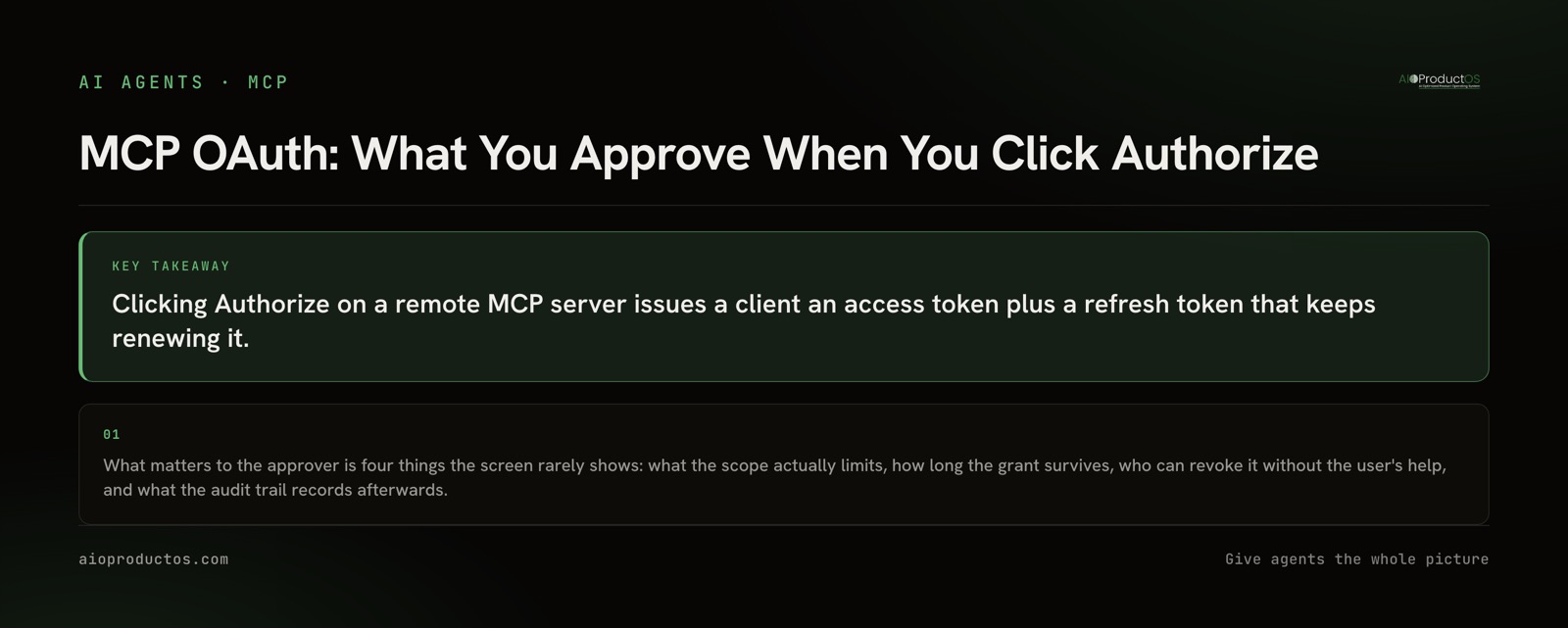
That distinction is the whole post. The access token is short-lived and mostly uninteresting. The refresh token is the relationship, and it persists until somebody ends it deliberately. Approving a grant is not like approving a single action; it is closer to adding a member to the workspace, one who happens to be a piece of software driven by a model.
Four questions decide what that member can do. What does the scope actually limit. How long does the grant survive. Who can end it. What can you see afterwards. A consent screen answers at most the first, and usually in a vocabulary the vendor invented.
What a scope limits, and what it does not
A scope is a boundary drawn by the vendor, in the vendor's own words, over the surface the vendor chose to expose. It limits which tools the client may call and, if the vendor did the work, which rows those tools may touch. It does not limit intent, sequencing, or judgement.
The practical consequence: a read scope over an entire workspace permits reading the entire workspace. That is obvious written down and easy to miss on a screen that says "view your data" while you are picturing the three things you wanted the assistant to see. If your account can reach every customer record, a grant made in your name can reach every customer record.
Two questions worth asking the vendor before approving. Does the grant carry write access, or only read, and can you take read alone first. And are permissions enforced under the tool layer, in the database, or only in the interface. The second one is not pedantry: a tool bug on a surface with only UI-level checks is a tenancy problem, and a tool bug under row-level security is a bug.
The token you approved is not the one doing the work
Access tokens are meant to be short, minutes or hours, so a leaked one stops being useful largely on its own.
The refresh token is different. Its job is to sit in the client's credential store and silently produce new access tokens so the connection keeps working without anyone re-approving anything. That is why the connector you set up in March still works in August without a second consent screen, and why "I removed it from my client" is not the same sentence as "the grant is gone".
So the lifetime question an approver should ask is not "how long is the access token good for". It is: what ends the refresh token. Usually one of four things does. The user revokes it in the vendor's account settings. An administrator revokes the client. The vendor expires idle grants on a schedule. Or the account itself is deactivated, which is the one your offboarding process probably already handles, and the only one that happens without anybody remembering.
Who can revoke it, and can they do it without the person who granted it
This is the question that separates an OAuth grant from a pasted key, and it is worth being blunt about what each layer buys you.
Deleting the connector from your AI client removes that client's ability to call, and tells the vendor nothing. The tokens stay valid, in a credential store, attached to your account.
Revoking in the vendor's account settings is the one that counts, because it kills the refresh token. Confirm before connecting that this control exists and that you can find it. If a vendor's answer to "how do I revoke this" is a support ticket, that is your answer about how quickly it will happen at 6pm on a Friday.
Revoking centrally, as an administrator, without needing the granting user present, is the capability that makes the whole model work at company scale. It is also the one worth verifying rather than assuming. The equivalent problem on a local server is that revocation means asking a colleague to edit a config file on their own laptop, which is why a local server stops paying once five people run it.
What the trail should show afterwards
Assume the grant is used. Six weeks later somebody asks what the assistant read. What can you produce.
The minimum useful answer names three things per call: which person the token belonged to, which tool ran, and when. A trail that says "an integration made 4,000 requests" is not accountability, it is a bill. On our own surface, the audit log is a Business tier capability, and the roles that bound what any call can return are enforced in the database through row-level security rather than only in the interface, with the residency and encryption posture written down on our trust page rather than described in a sales call.
If you are evaluating a vendor, ask to see one line of that log before you connect, not after.
API key or OAuth, by the property an approver cares about
| Property | Pasted API key | OAuth 2.1 grant |
|---|---|---|
| Who the credential identifies | The key. Anyone holding it looks the same | The person who approved it, on every call |
| What expires without action | Nothing | The access token, quickly; the refresh token on the vendor's schedule |
| Who can revoke it | Whoever can edit the config it lives in, plus whoever can rotate it at the vendor | An administrator, centrally, without touching the user's machine |
| Where it lives | Plaintext in a config file, on every machine that uses it | The client's credential store, issued per install |
| When the holder leaves the company | It keeps working until someone remembers | Deactivating the account ends the grant |
| What a leak exposes | Everything the key permits, until somebody notices | Everything the scope permits, until the grant is revoked |
| Setup cost | Paste one string | Discovery, client registration, and a consent screen |
Read the rows rather than the columns. The last row is the only one where the key wins, and it is the row that decides most real installs.
When an API key is the better call
Three cases where a key is the correct choice and OAuth is ceremony, stated properly rather than as a setup.
You are one person automating your own work. Identity is not a question when there is one identity. Central revocation buys nothing when the only administrator is you, and the consent screen is one you will click through without reading. Paste the key, scope it as narrowly as the vendor allows, and get on with it.
Nobody is present to approve. A scheduled job, a CI step, or a background agent cannot complete an interactive consent flow. Some vendors solve this with client credentials or service accounts; many do not. If the choice is between a scoped key and a token that expires with nobody there to renew it, the key is the working answer.
The vendor's scopes are coarser than the key you can mint yourself. If OAuth offers you "read everything" and the key page lets you restrict to a single project, the key is the more constrained grant. Least privilege beats best mechanism when the two disagree.
What none of these change: a key has no identity, no expiry, and no central off switch. If a second person needs the same access, or the data belongs to the company rather than to you, those three gaps arrive at once and no amount of care with the key closes them.
Check the claim rather than the copy
You can test all of this on a live endpoint in a few minutes instead of trusting a page.
Add https://platform.aioproductos.com/api/mcp as a custom connector in your AI client and watch the order of operations before any token exists: the client fetches the protected resource metadata, discovers the authorization server, registers itself through Dynamic Client Registration, and only then shows you a consent screen. What should come back after you approve is a list of 71 tools over Streamable HTTP, and the rows those tools return are bounded by the roles your account already holds. If you would rather not grant anything at all, npx -y @aioproductoscom/mcp@latest with no token starts in demo mode against a fully seeded showcase workspace with a read-only subset of the tools, so you can see the surface before deciding anything.
The discovery documents are public and readable without connecting: https://platform.aioproductos.com/.well-known/oauth-authorization-server and https://platform.aioproductos.com/.well-known/oauth-protected-resource state the supported flows, including PKCE with S256. Ask any vendor for the equivalent two URLs. If they describe their OAuth support in prose but cannot point you at a document a client can parse, you have learned something useful for free.
Run the four questions on whatever your team wants to connect this week, ours included: scope, lifetime, revocation, trail. If we are the thing being evaluated, the MCP surface is documented tool by tool before you grant anything, and every plan starts with a 7-day free trial, no card required, at flat, listed tiers.