What is a remote MCP server, and what makes one connectable?
A remote MCP server is an HTTPS endpoint that speaks the Model Context Protocol over Streamable HTTP, hosted by whoever owns the data, and reachable by any MCP client on the internet. What makes it connectable is not the endpoint itself. It is a small set of metadata documents a client fetches before it ever calls a tool.
That is the part the guides skip. This post is the operator's side of the job. If you are still choosing between running a server on your own machine and hosting one, that decision has its own post. If you are the person clicking Authorize and want to know what the grant permits, scope and revocation are covered separately. If you are designing tools and return shapes, construction is a different job. What follows is deployment, auth and discovery: what you publish, what you validate, and what an agent can actually reach once it is through the door.
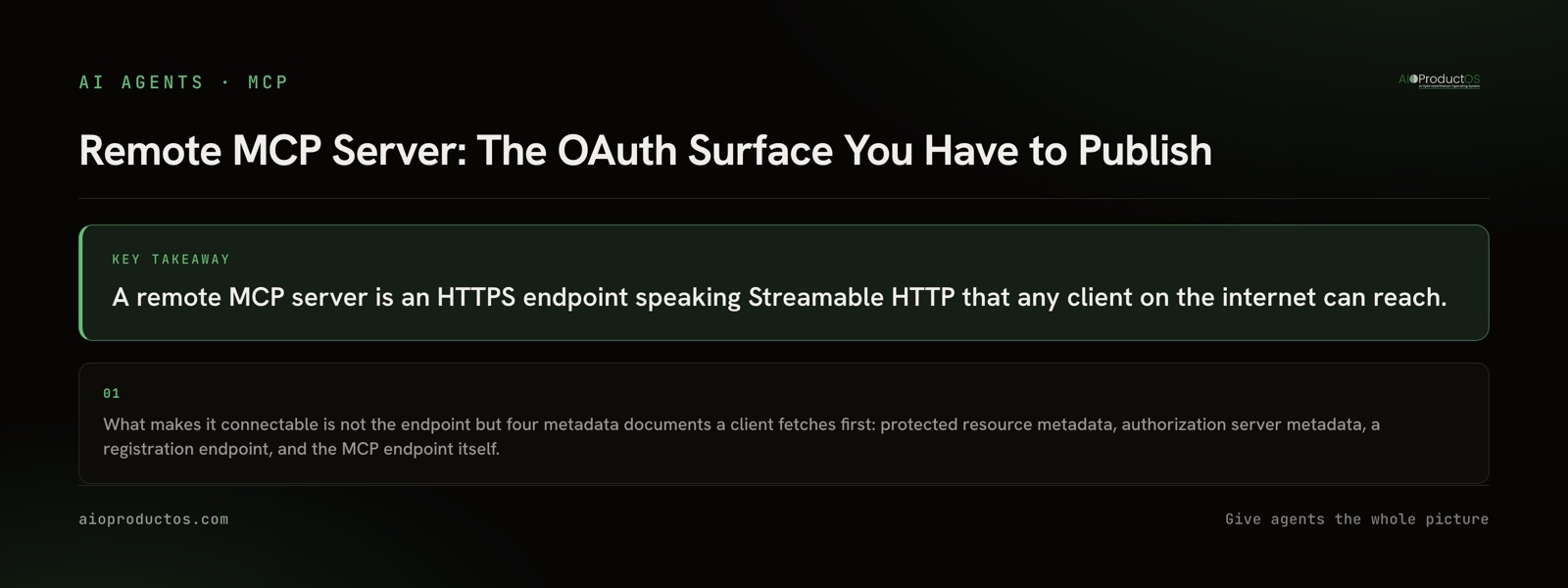
The four documents a client reads before it calls a tool
A client that has never seen your server starts with nothing but a URL. Everything else it has to discover. The sequence is: call the endpoint, get told to authenticate, find out who issues tokens, register itself, send the user to authorize, come back with a token, and only then ask what tools exist. Each of those steps reads a document you are responsible for publishing.
| What you publish | Where it lives | What it answers for the client | What breaks without it |
|---|---|---|---|
| Protected resource metadata | /.well-known/oauth-protected-resource | Which authorization server guards this endpoint, and what audience a token must carry to be accepted | The client gets a 401 with nowhere to go next. It cannot discover who issues tokens, so the connection dies at the first call |
| Authorization server metadata | /.well-known/oauth-authorization-server | Where to send the user to authorize, where to exchange the code for a token, which grant types and PKCE methods are supported | You have to hand your endpoints to every client author out of band. Each new client becomes a support conversation |
| Registration endpoint | e.g. /api/oauth/register | How a client the operator has never met obtains its own client id, with no human in the loop | You are issuing credentials by hand. Dynamic client registration is the thing that makes "paste the URL and go" possible at all |
| The MCP endpoint | e.g. /api/mcp | The tool, resource and prompt surface, once a valid bearer token is presented for the right audience | Nothing to call |
Ours are live and fetchable if you want to read a working set rather than a description of one. The hosted endpoint is https://platform.aioproductos.com/api/mcp, the transport is Streamable HTTP, and the auth is OAuth 2.1 with PKCE using S256, with dynamic client registration supported. Authorization server metadata sits at https://platform.aioproductos.com/.well-known/oauth-authorization-server, protected resource metadata at https://platform.aioproductos.com/.well-known/oauth-protected-resource, and the registration endpoint at https://platform.aioproductos.com/api/oauth/register.
The reason to enumerate these rather than say "it uses OAuth" is that a client author cannot act on the second sentence. Discovery is the product. If a person has to read your documentation to connect, your server is not really remote in the sense that matters; it is a hosted server with a manual install.
Streamable HTTP, and the clients that cannot speak it
Transport is the shortest decision in this post and the one most likely to surprise you in practice. Remote servers use Streamable HTTP. Local servers use stdio. There is no third option worth arguing about.
The surprise is on the client side. Support for remote servers and for the OAuth flow above is uneven across hosts, and some clients still only know how to launch a local subprocess. The ecosystem's answer is a bridge: a small process that runs on the user's machine, speaks stdio to the client and Streamable HTTP to your server. It works. It also quietly reintroduces the per-machine install that hosting was supposed to remove, which is worth knowing before you write setup instructions promising otherwise. Which client someone picks changes what they can reach, and that is not something your server can fix from its side.
The practical rule: test against the specific hosts your users actually run, not against the specification. The specification is the ceiling, not the floor.
The reach boundary: auth decides who is calling, the data model decides what they can do
Here is the part page one leaves out entirely, and it is the part that determines whether your server is useful.
OAuth answers exactly one question: which person is on the other end of this call. It gets an agent through the door with an identity attached. What the agent finds on the other side of that door is not decided by the protocol at all. It is decided by what your underlying data model already joined together.
This is why two servers with identical auth can be worth wildly different amounts. A server in front of one tool exposes one silo. An agent that connects to it can read that silo competently and then has to go stitch the rest together itself, across servers that share no identifiers and no vocabulary. The protocol makes each hop legal; it does nothing to make the hops add up.
The alternative shape is a server sitting in front of records that were already joined before the agent arrived. Ours is that shape: 71 tools that read and act across initiatives, features, OKRs, sprints, releases, ideas, experiments and decisions, plus three interactive ui:// MCP Apps under SEP-1865. The tool count is not the interesting number. The interesting property is that an agent asking about a feature can reach the decisions and outcomes attached to it without knowing that they live in a different table, because the join happened at the data layer rather than in the agent's head.
Whatever your server fronts, state its reach boundary plainly in your own documentation. Agents hedge when they cannot verify a claim, and a vague capability description is a claim nobody can check.
Getting found is not paperwork
A remote server that nobody can discover has the same practical reach as a local one. Registry and directory listings are how clients find you and, increasingly, how models answer "is there an MCP server for this."
Ours is listed in the official MCP Registry as com.aioproductos/mcp, and in Anthropic's connector directory, Glama, Smithery, awesome-mcp-servers, the Cursor Directory and the ChatGPT plugin store. Server manifests live at https://aioproductos.com/.well-known/mcp.json and https://aioproductos.com/.well-known/agents.json. Publishing a manifest at a predictable path costs an afternoon and is the difference between a client author finding your server and guessing at it.
When a local server is still the right call
Hosting is a real commitment and it is worth naming what you are signing up for. A remote server means uptime, token validation, key rotation, a registration endpoint that strangers can call, and somebody who answers when it breaks at an inconvenient hour. None of that exists for a subprocess.
So local wins outright in three cases. When the capability is genuinely local, because the server needs to touch files, a browser or a device that only exists on that machine. When exactly one person needs the answer and nobody else will ever call it. And when the data must not leave the laptop, where hosting is not a trade-off but a non-starter.
There is a fourth case that is less obvious: early. If you are still changing your tool surface weekly, a local server has no migration story to worry about and no clients holding tokens against endpoints you are about to move. Host it when the shape stops moving, or when a second person needs it.
Check this instead of trusting it
Everything above is verifiable without an account, which is the point of writing it this way.
Fetch https://platform.aioproductos.com/.well-known/oauth-protected-resource. It should return protected resource metadata naming the authorization server that guards the MCP endpoint. Then connect a client to https://platform.aioproductos.com/api/mcp and call tools/list; it should come back with 71 tools. If you would rather not authorize anything, run npx -y @aioproductoscom/mcp@latest with no token and the stdio server starts in demo mode against a seeded showcase workspace with a read-only subset of the tools, with nothing to paste and nothing to cancel.
If the numbers in this post and the numbers the server returns ever disagree, the server is right. The full connection details and the tool surface are documented here.