What are resources and prompts in MCP, and how do they differ from tools?
Resources are read-only context an MCP server exposes by URI, and prompts are reusable, user-invoked templates. Tools are the third primitive. The real difference is not what they hold but who controls them: the model calls tools, the client decides about resources, and a person picks prompts.
This post is about resources and prompts as spec primitives, plus the wider set around them. It is not a tools explainer, which is its own post on MCP tools, and it is not a protocol introduction, which lives in what MCP is. Start with either of those if the ground is unfamiliar, then come back here.
The part most explanations skip: control model decides whether anything reaches the model
Read the ranking pages for these terms and you get the same three definitions everywhere. Resources are read-only data. Prompts are reusable templates. Tools are actions. All true, all abstract, and none of it answers the question a builder actually hits an hour into the work: I implemented resources, so why is nothing showing up?
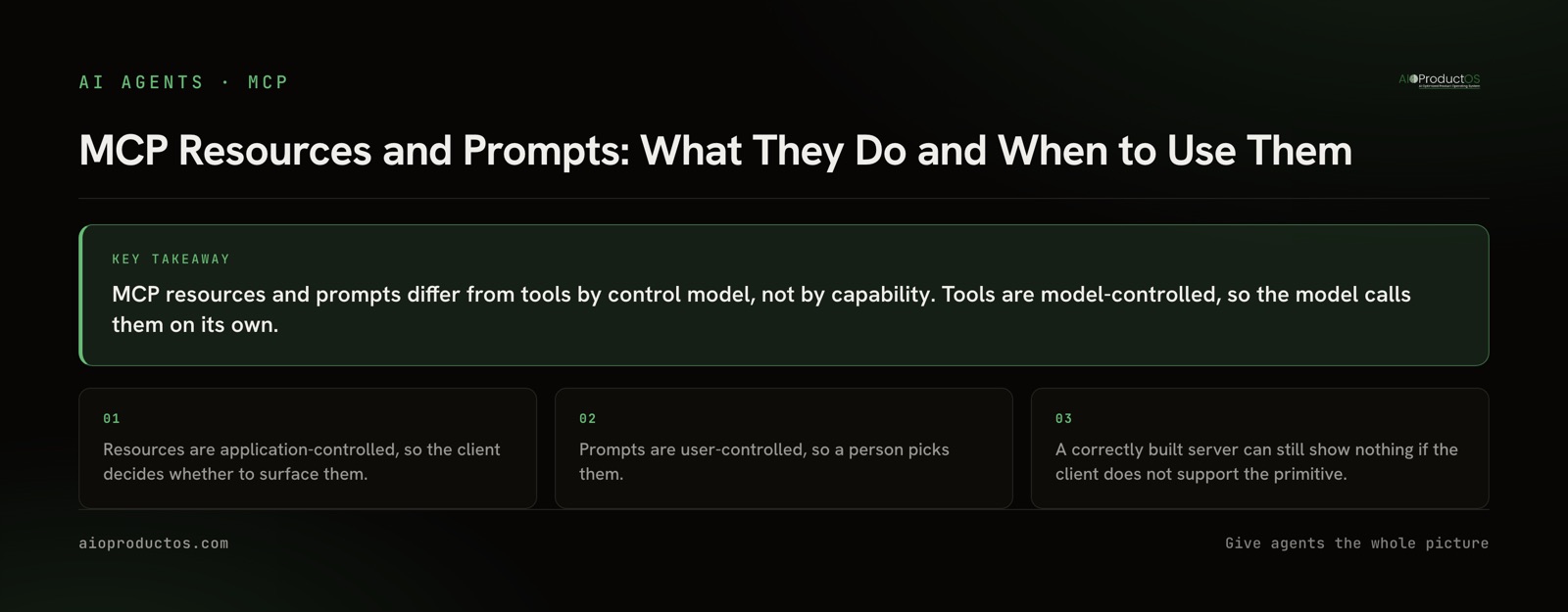
Because the primitives do not just differ in what they carry. They differ in who is in control, and control is what decides whether your implementation ever reaches the model at all.
Tools are model-controlled. The model sees the merged tool list and calls what it judges relevant, usually with a human approving the call. You ship a tool, and it is in the running immediately.
Resources are application-controlled. The client decides whether to attach a resource to the conversation. Not the model, not your server. Some clients present resources as an explicit picker. Some attach them on a rule. Some do not implement the primitive at all, in which case your resources exist, are listable in principle, and are invisible in practice.
Prompts are user-controlled. A person invokes them, typically from a slash-command or menu surface in the client. They never fire on their own, which is exactly the point, and it also means they are worth nothing if the client offers no surface to invoke them from.
So the honest statement is this: client support for resources and prompts varies, and the client, not your server, is the deciding party. Do not assume. Check the specific client your users are on before you build a workflow that depends on either primitive being surfaced. This is the same reason which MCP client you pick is a load-bearing decision rather than a matter of taste.
| Primitive | Who controls it | What it returns | What it is for |
|---|---|---|---|
| Tools | The model | A result from an executed function | Actions the model should decide to take |
| Resources | The client application | Read-only content addressed by URI | Context that should be attached, not chosen |
| Prompts | The user | A pre-built message or message set | Workflows a person deliberately starts |
| Sampling | The server asks, the client and user approve | A model completion the server requested | Letting a server use the host's model, under approval |
| Elicitation | The server asks, the user answers | Structured input from the person | Filling a gap mid-run without guessing |
| Roots | The client declares | Boundaries the server should work within | Telling a server where it is allowed to look |
Resources: context that should not be a decision
A resource is content addressed by a URI that a server offers for reading. A file, a schema, a style guide, a standing set of project constraints. Servers list them and clients read them.
The design rule follows from the control model. If a piece of context should be present whenever it is relevant, regardless of what the model concludes, it is a resource. Making it a tool converts a certainty into a gamble on selection, every single turn, and it costs you an entry in the tool list that competes for attention with tools that genuinely need choosing.
The corresponding failure is the one to plan around. Because the client is in control, a resource that no client surfaces is context that never arrives. That is not a bug in your server. It is the control model working as designed, with the deciding party sitting outside your code.
Prompts: entry points a person picks
A prompt is a parameterized template the server exposes for a user to invoke. Arguments in, a formed message out.
Prompts fit workflows where the human already knows what they want. The weekly review. The release checklist. The incident writeup. Wrapping that in a tool and hoping the model infers the intent from conversation is a worse experience than a menu item the person selects on purpose, and it makes a deterministic act probabilistic for no gain.
The upside is consistency. The wording, structure and instructions live on the server, get versioned with it, and stay the same for everyone who invokes them, instead of being retyped from memory each time by whoever is at the keyboard.
The wider set: sampling, elicitation, roots, transport
Four more pieces of the spec show up in the same conversations, and three of them are also control-model questions.
Sampling is a server asking the client for a model completion. It inverts the usual direction: instead of the model calling the server, the server borrows the host's model. It sits behind approval, because a server that can silently spend a user's model budget is a server nobody should connect.
Elicitation is a server asking the user for input mid-run through the client, and getting structured data back. It is the alternative to a server guessing at a missing value or failing outright.
Roots are the client telling the server which locations it should operate within. That is a boundary the client declares, not a preference the server negotiates.
Transport is the odd one out, because it is plumbing rather than control. It is how the two processes talk: a local stdio process, or a remote HTTP connection. It changes deployment, authentication and blast radius. It does not change who controls which primitive.
When tools are all you need
Most servers should ship tools only, and that is not a hedge.
Tools are the primitive with the best support, the clearest semantics, and no dependence on a client feature that may not exist. If you are building your first server, adding resources and prompts before you have a reason is adding surface area you then have to explain, version and debug, in exchange for behavior you cannot guarantee your users will ever see.
Resources earn their place when context must be attached rather than chosen, and when you know the clients your users run will surface them. Prompts earn their place when a workflow is genuinely user-initiated and repeated often enough that consistency is worth centralizing on the server. Absent those conditions, the honest answer is that a tool with a precise description does the job, and a second primitive is a worse version of the same outcome.
There is a related trap worth naming. Splitting a broad tool into ten narrow ones usually makes selection harder, not easier, because they all land in the same merged list. Granularity has a cost, and it is paid by the model reading the list.
Check it in about a minute
Do not take any of this on trust, including from us. Connect a server and read what it actually exposes.
Ask one question: what primitives does this server declare, and which of them does my client surface? Answer it by running the server and calling the discovery methods yourself.
npx -y @aioproductoscom/mcp@latestStarted with no PRODUCTOS_TOKEN, our stdio server runs in demo mode against a fully seeded showcase workspace with a read-only subset of the tools. No account, no signup, nothing to paste. Call tools/list and read the result. Then call resources/list and prompts/list and read those too, including the case where a method is not implemented, which is itself the answer.
For the declared surface without running anything, fetch the manifest at https://aioproductos.com/.well-known/mcp.json. What our own MCP documentation states is 71 tools that read and act, with writes landing in human review, plus 3 interactive ui:// MCP Apps under SEP-1865, reachable over hosted Streamable HTTP with OAuth 2.1 and PKCE. If you want the reasoning behind those interactive views specifically, we wrote it up in MCP Apps in practice. Anything beyond that, read off the manifest rather than off a blog post, ours included.
The point generalizes past us. Before you design around a primitive, list it, then check your client. The spec tells you what is possible. The client tells you what happens.
See what the AIOProductOS MCP exposes, or run the command above and read the lists for yourself.