Search for product operations tools and page one hands you a catalog. Roadmapping, agile delivery, usage analytics, heatmaps, user testing, A/B testing, knowledge bases, feedback, prototyping - ten or twelve buckets, a few vendors in each. The catalogs are accurate. They also skip the question a product ops lead actually has, which is not "what categories exist" but "which of these jobs is mine, and where does my stack drop the data between them?"
What are product operations tools?
Product operations tools are the software a product ops function uses to run the product process: collecting feedback and requests, keeping the roadmap and planning rituals honest, giving everyone one set of metrics, and enabling the team with templates, automation and now AI-agent access. The useful ones are judged by what they connect to, not by feature count.
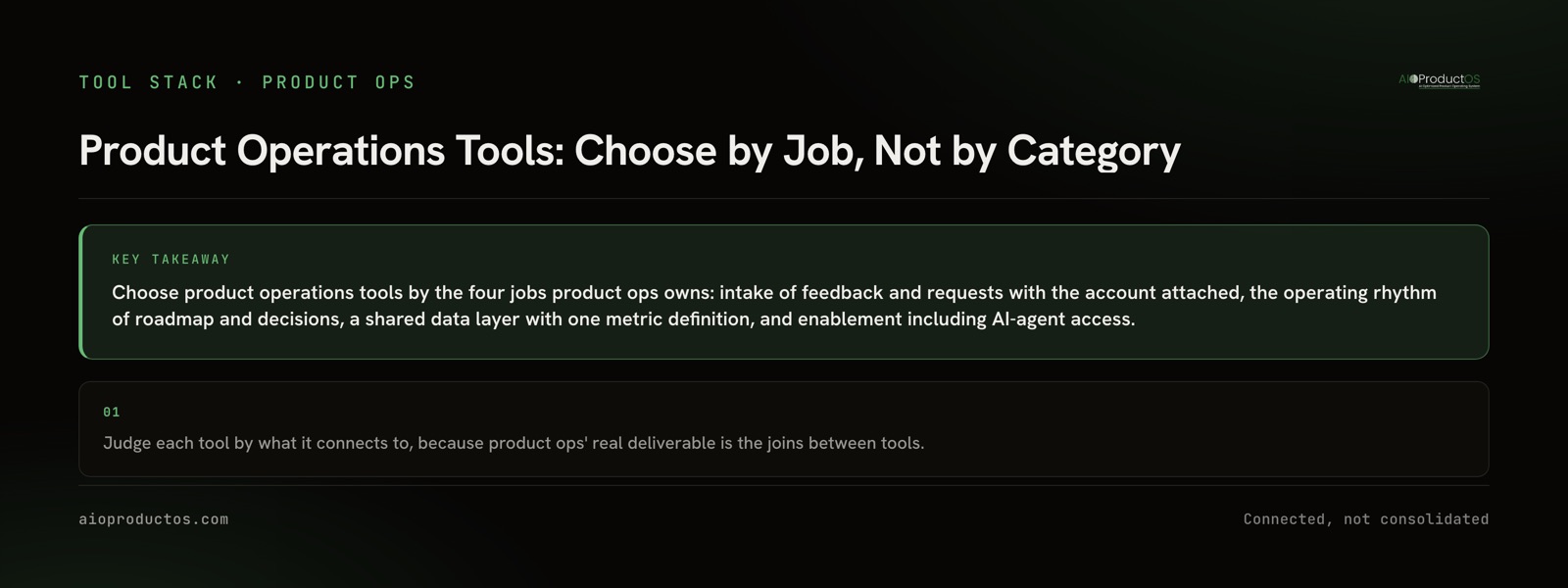
One line on page one gets close to the point: product ops software connects jobs and reduces the manual work of moving data between feedback, roadmap, analytics and delivery. Nobody develops it further, so this post does. Product ops' real deliverable is a chain of joins - account to request, request to roadmap item, roadmap item to shipped work, shipped work to outcome. Every tool you add either holds one link of that chain or breaks it.
The four jobs product ops owns
1. Intake. Feedback and requests from support, sales calls, reviews, surveys and in-app widgets land in one place, with the customer account attached. A quote without an account is anecdote. A quote with the account and what it pays is evidence.
2. Operating rhythm. Roadmap hygiene, planning rituals and a decision log. The roadmap has to reflect what is actually being built, and each decision has to keep its reason and the requests it answers. This is the job that decays fastest, because status changes in the tracker and nobody carries it back.
3. The data layer. One definition of active, one definition of churn, and reporting everyone trusts. If the analytics tool, the billing system and the board deck each count customers differently, every planning meeting starts with an argument about the numbers.
4. Enablement and automation. Templates, onboarding for new PMs, automated status reports, and - newly - owning the AI-agent access layer. When an assistant can read and write product data, someone has to decide what it can read, what it can change, and where its actions are audited. That someone is product ops.
| Job | What the tool must do | Typical categories | The seam that breaks |
|---|---|---|---|
| Intake | Land every request in one place with the account and its revenue attached | Feedback portals, support desks, CRM, survey tools (Productboard, Canny, Intercom, Zendesk) | Requests arrive as quotes; the account and what it pays stay behind in another tool |
| Operating rhythm | Keep roadmap items, decisions and delivery status in step | Roadmap tools, trackers, docs (Aha!, Productboard, Jira, Linear, Notion) | Tracker status never returns to the roadmap; decisions lose their reason and their requesters |
| Data layer | Give one definition of active, churn and revenue, and report on it | Product analytics, BI, billing (Amplitude, Mixpanel, PostHog, Stripe) | Usage, billing and accounts are counted three ways and joined in a spreadsheet |
| Enablement and automation | Templates, guides, automated reports, and scoped agent access with an audit trail | Docs, in-app guides, automation, MCP servers (Notion, Pendo, workflow tools) | Agents get broad tokens to single tools; nobody can say what they read or changed |
Evaluate tools by their joins, not their feature lists
Every category catalog compares tools on what they do inside their own walls. For product ops that is the wrong axis. A feedback tool with excellent tagging that cannot attach an account is worse for you than a plainer one that can. A roadmap tool with beautiful views that does not read tracker status back will be wrong by the second sprint.
So run each candidate through four questions. Does it hold the customer account, or only point at it? Does it read status back from delivery, or only push work out? Does it share a definition of active and churn with the rest of the stack? And can an AI agent reach it with scoped permissions, or only with an all-or-nothing token?
The cost of failing those questions is human time spent moving data. Context-switching costs around $450B a year, and the average employee loses 40% of productive time to it (Gallup/TheTab). For a product ops lead, a good share of that switching is reconciling tools that should already agree. We counted that bill in detail in SaaS tool sprawl: what your stack actually costs, and the product stack audit guide gives you a worksheet to count the seams in your own stack.
The fourth question is new and it matters more each quarter. Gartner expects more than 40% of agentic-AI projects to be canceled by 2027 (Gartner). Our read is that a good share of those will be access problems rather than model problems: an agent pointed at one silo cannot answer a question that crosses three, and an agent with an unscoped token is a risk nobody wants to own.
Which tools track customer feedback and revenue together?
Honestly, most product tools do not. Feedback tools hold the request and sometimes a company name. Billing systems such as Stripe hold the revenue. CRMs hold the account, but product teams rarely live there. Getting feedback and revenue onto the same item usually takes one of three approaches.
The first is a feedback tool with a CRM integration that copies account fields onto each request. It works when the CRM is well kept and the mapping holds. The second is a spreadsheet or BI join, refreshed by hand before planning. It works for a quarterly review and goes stale between them. The third is a shared record where feedback, the account, its billing and the work all sit together. We walk through all three wiring patterns in connecting feedback, roadmap, and delivery.
AIOProductOS takes the third approach. One record per customer carries revenue, feedback, meetings and contacts, with users matched to their account by email domain. The Stripe connector reads billing only - it lands each customer's plan, subscription status and MRR on the matching account and never moves money - so features rank by request count and revenue at stake. That structure is the product spine, and the tools you keep plug into it through connectors rather than through pairwise syncs.
Check your own stack with an AI assistant
You do not need a vendor demo to find out whether your stack holds the joins. Connect your AI assistant to the tools you use over MCP and ask one question:
"For the last 10 shipped roadmap items, list the customer accounts that requested each and their MRR."
A connected stack returns ten rows. Each one names the shipped item, the requesting accounts by name, an MRR figure next to each account, and a clear source for that figure. A disconnected stack fails in a way that tells you which seam is broken. A list of shipped tickets with no accounts means intake never attached the requester. Accounts with no MRR means billing lives somewhere the assistant cannot reach. A confident revenue total with no per-account breakdown is the worst result: ask where the number came from, because it may have been invented.
Against our MCP server, the assistant reads the joined record directly. Revenue, demand and work questions compute deterministically with no model call, agents act with role-scoped permissions, and any write lands in human review. Run the same test every week and you have the start of an honest status report; automating a weekly product report with AI covers how to do that without letting the numbers drift.
When a spreadsheet and two tools is the right call
Not every team needs a product ops stack, and buying one too early is its own kind of sprawl.
If you have one product, a small team, and no product ops hire yet, a tracker, a feedback inbox and a shared spreadsheet are a complete system. You know every customer by name, the requests fit on one screen, and the person who decides is the person who reads the feedback. The joins live in someone's head, and at that size they are accurate.
The same goes for a team where an incumbent suite is entrenched and working. If your Jira and Confluence setup carries decisions, status and requesters well enough that planning runs without reconstruction, a migration costs more than the seams it removes. Fix the one seam that hurts, usually status flowing back to the roadmap, and leave the rest alone.
The case for a connected record starts when feedback arrives from many channels, account value varies enough that request counts and revenue point different ways, and enough time passes between request and ship that nobody remembers who asked. That is also the point where the AI-assistant test above starts to return gaps. If you cannot tell which side of that line you are on, the product ops maturity assessment scores it in a few minutes.
If you are there, start the 7-day free trial - no card required with your own feedback, billing and work.